

To upload an observation:
- Review the observation, run Flag Missing Justifications Tool and Spell Checker.
- Make sure you are connected to the internet.
- Tap one of the cells in the observation’s row to highlight the observation
- Tap the Upload Observation(s) button.
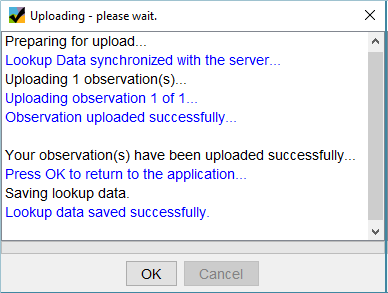
- If the upload was successful, a dialog box will appear.
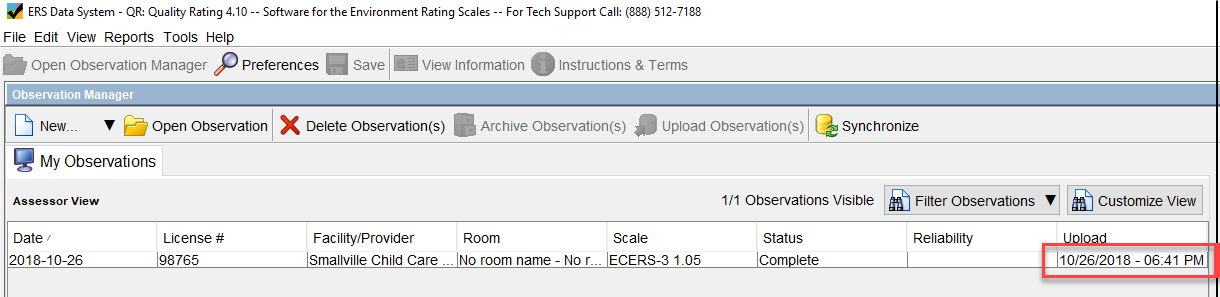
In addition, a date and time stamp will appear in the Upload column.
© Copyright Branagh Group
